


Razer Basilisk V4 HyperSpeed: twelve controls under your right hand
Notched or free-spinning wheel, a sensor that tracks even on glass, and up to 225 hours over Bluetooth: the Razer Basilisk V4 HyperSpeed is a wireless gaming mouse for right-handers.
What it is
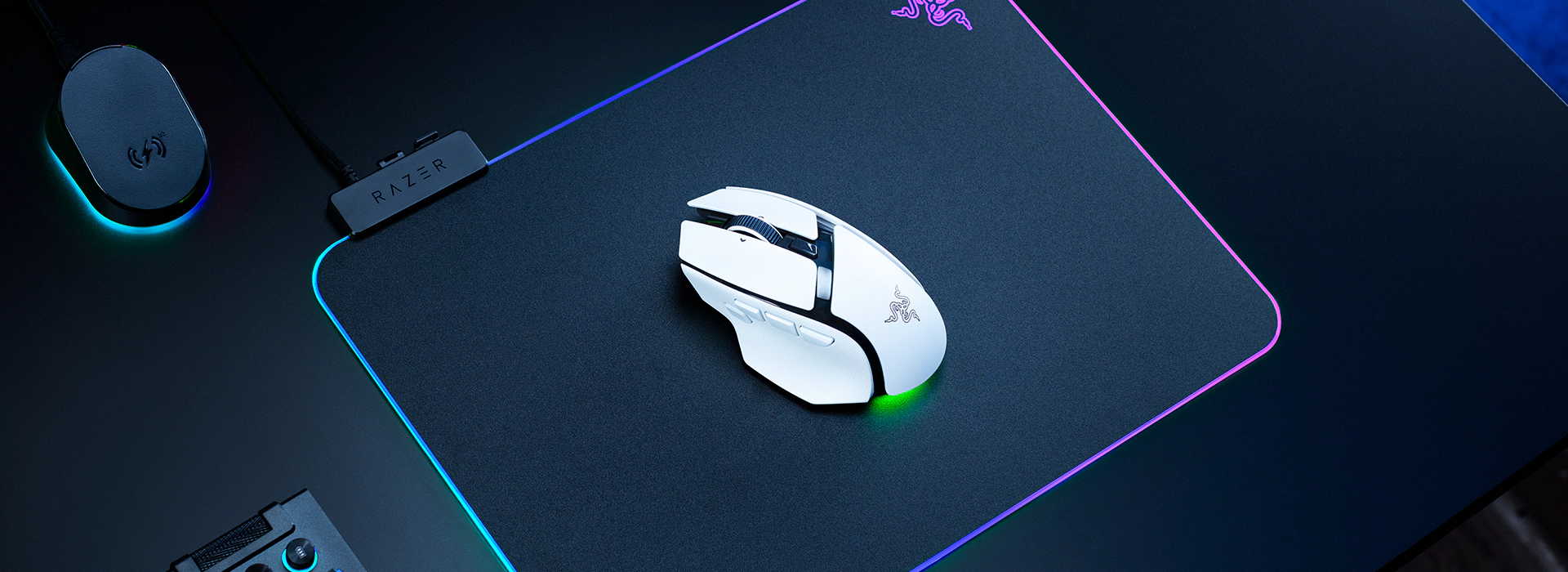
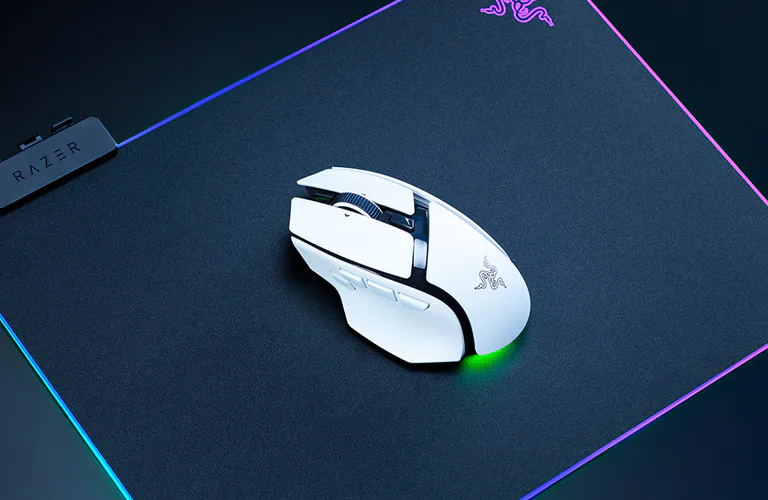
The Razer Basilisk V4 HyperSpeed is a wireless, ergonomic gaming mouse shaped for the right hand. Its left flank carries a thumb rest: the thumb sits there rather than dragging across the mat, and the hand keeps the same position from one session to the next. On the top and sides you will find a wheel that tilts in four directions, a multi-function trigger and three side buttons.
It is aimed first at players who want plenty of actions within reach. The mouse offers 12 programmable controls, to which you assign a key, a function or a macro, meaning a sequence of actions triggered by a single press. In a strategy game or an online role-playing game, that lets you cast a spell or issue a string of orders without taking your eyes off the screen or hunting for the right key on the keyboard.
Fans of first-person shooters get a function of their own too: Perfect 180, an instant half-turn designed for those who play at low sensitivity. One button, and the character turns around.
The mouse is also useful away from games. It remembers up to five host devices: four over Bluetooth and one over the 2.4 GHz wireless link. Only one device is active at a time, which means you switch from one machine to another rather than controlling two screens at once.
Why it exists
Razer makes hardware for gamers, and its motto sums up the intention: products made by gamers, for gamers. With the Basilisk V4 HyperSpeed, the brand tackles the things that irritate most in front of a screen: a click that registers twice, a button pressed by mistake, a wireless mouse that reacts a beat too late.
According to Razer, its optical switches have no double-click problem and no debounce delay. That delay is the short wait a mouse imposes on itself so as not to mistake a false contact for a click. The brand also says it positioned the multi-function trigger to avoid accidental clicks, which matters when the thumb rests on the side for hours.
Wireless is the other area of work. Razer presents the mouse’s wireless performance as “industry-leading”, with ultra-low latency. And for competitive shooters, the brand claims that Perfect 180 gives an edge to those who play at low sensitivity, where a half-turn normally takes a long sweep of the arm.
What matters
The sensor. The mouse carries the Razer Focus X 33K Gen-3 optical sensor. It tracks across a wide range of surfaces, glass included. For anyone who works or plays at a glass desk, that is a detail that makes all the difference: the mouse goes straight onto the glass.
Battery life. It reaches up to 140 hours over Razer HyperSpeed Wireless and up to 225 hours over Bluetooth. The gap is clear: Bluetooth lasts about one and a half times as long. You can therefore pick your connection to suit the use: the 2.4 GHz link for an evening of gaming, Bluetooth for a day at the office on another device. Both figures are maximums.
The wheel. It is built on Razer HyperScroll technology and offers two modes. In notched mode (Tactile), each click is felt under the finger, which helps when switching weapon or item precisely. In free-spin mode (Free-Spin), the wheel turns without resistance and scrolls a long page or a spreadsheet in one flick. Both modes can be reassigned to custom controls. The wheel also tilts in four directions, giving four extra controls under the index finger.
The switches. The main buttons use Razer Optical Mouse Switches Gen-4, rated for more than 100 million clicks. For a mouse that takes thousands of presses in an evening of play, that figure shows how long the buttons are designed to last.
The controls and the second layer. The 12 programmable controls accept simple actions as well as macros. The Razer HyperShift function doubles that number: while you hold the trigger or another button of your choice, all the controls switch to a second layer with different assignments. The multi-function trigger, which cannot be removed, can be reassigned in Razer Synapse. The three side buttons are, from left to right, AI Prompt Master, button 5 and button 4, all reassignable.
Perfect 180. This instant 180° half-turn can be assigned to any control. How well it works depends on the sensitivity set in the game and on the Razer Synapse settings: you need to take the time to match the two so that the character turns exactly half a circle.
Day to day
Everything is set up in Razer Synapse, the brand’s configuration software: button assignment, macro creation, wheel modes, the HyperShift second layer and lighting. That is where you spend a first stretch of time building your profiles, which are then there waiting for you at every session.
The wireless receiver can be shared with a compatible keyboard. On a laptop where ports are scarce, one receiver for two devices frees up a port. To move to another host device, you switch to one of the stored connections.
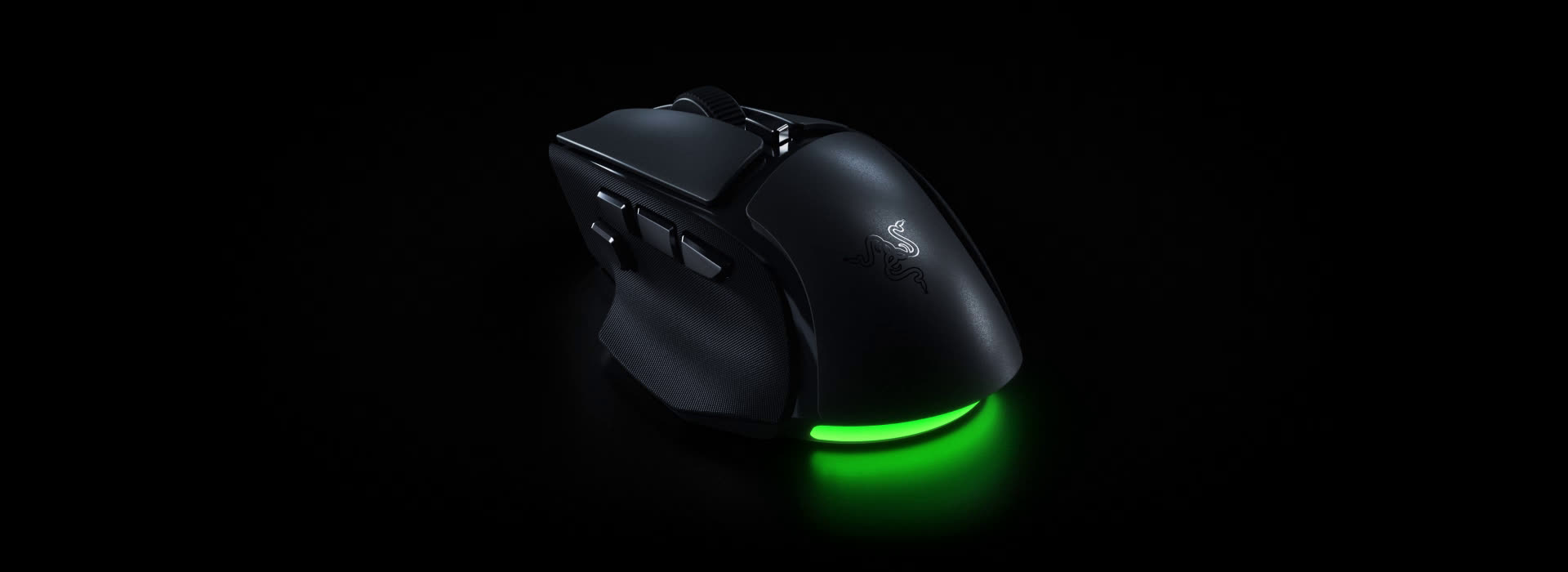
Razer Chroma RGB lighting is adjustable by zone, with 16.8 million colours, and extends to underneath the mouse. It syncs with compatible Razer Chroma RGB devices and with more than 50 partner products: keyboard, headset and mouse can thus change colour together.
Wireless charging is possible. You need to swap the mouse’s puck and set the mouse on the Razer Mouse Dock V2 Pro or the Razer HyperFlux V2, sold separately. The mouse then charges while sitting on its dock.
Technical specifications
| Feature | Value |
|---|---|
| Type | Wireless ergonomic gaming mouse, RGB lighting |
| Shape | Ergonomic for right-handers, with thumb rest |
| Sensor | Razer Focus X 33K Gen-3 optical |
| Tracking surfaces | Wide range, glass included |
| Battery life over Razer HyperSpeed Wireless | Up to 140 hours |
| Battery life over Bluetooth | Up to 225 hours |
| Host devices | Up to 5 (4 over Bluetooth, 1 over 2.4 GHz), only one active at a time |
| Wheel | Razer HyperScroll, tilts in 4 directions, notched and free-spin modes |
| Programmable controls | 12 (controls and macros) |
| Perfect 180 | Instant 180° half-turn, assignable to any control |
| Switches | Razer Optical Mouse Switches Gen-4 |
| Switch lifespan | More than 100 million clicks |
| Lighting | Razer Chroma RGB by zone, 16.8 million colours, underglow |
| Lighting sync | Compatible Razer Chroma RGB devices and more than 50 partner products |
| Side buttons | Three: AI Prompt Master, button 5, button 4, reassignable |
| Software | Razer Synapse |
| Wireless charging | With replacement puck, on Razer Mouse Dock V2 Pro or Razer HyperFlux V2 (sold separately) |
What the brand says
Razer is not known for modesty. The brand claims “unmatched” precision and responsiveness, and lays claim to “best-in-class” tracking performance. For the wireless link, it speaks of “industry-leading” performance with ultra-low latency.
On click reliability, Razer states that its optical switches have no double-click problem and no debounce delay. It calls its multi-function trigger “acclaimed” and says it placed it to avoid accidental clicks.
Finally, according to the brand, Perfect 180 gives an advantage to first-person shooter players in competition.
Why it caught our eye
We noticed it for its wheel, which switches from notched to free-spinning, and for its second layer of controls, which puts a host of actions under one hand. We also like that a single receiver can serve the keyboard as well, and that it tracks on glass as well as on a mouse mat.
Exactly the kind of brand we’d love to come across on O!deal one day.
Frequently asked questions
- What is the battery life of the Razer Basilisk V4 HyperSpeed?
- It can last up to 140 hours over Razer HyperSpeed Wireless and up to 225 hours over Bluetooth.
- Can it be paired with several devices?
- Yes, it handles up to 5 host devices (4 over Bluetooth, 1 over 2.4 GHz), only one being active at a time. It can also share one dongle with a compatible keyboard.
- How many controls can be customised?
- It offers 12 programmable controls, commands and macros included, configured in Razer Synapse. The multi-function trigger is reassignable but not removable.
- Can it be charged wirelessly?
- Yes, by swapping the mouse's puck and using the Razer Mouse Dock V2 Pro or the Razer HyperFlux V2. These accessories are sold separately.
Also worth reading
- O!radarXTEINK
XTEINK X4 Pro: a 72 g e-reader that attaches magnetically to your phone
The XTEINK X4 Pro is a 72 g e-ink reader, just 5.95 mm thick, that attaches to your phone with built-in magnets. Its firmware is open to developers.
- O!radarTin Can
AllO!: the Tin Can Limited Edition, a Wi-Fi landline for children
The Tin Can Limited Edition is a corded landline that runs on Wi-Fi, with no screen and no messages, and only calls the contacts parents approve in an app.
- O!radarZendure
Zendure EVFlow AC: the wall charger that waits for the sun
The Zendure EVFlow AC charges electric cars at up to 22 kW and draws on a household's solar surplus from 1.4 kW. It starts with an RFID card, the app or simply when you plug in.


